Upscale Image, Up to 4×

Upload a photo and get it back two or four times larger and still sharp, with no watermark. One upscale a day needs no sign-up, and a free account gives you three.

or drop a file here · JPG, PNG, WebP or HEIC · up to 50 MB

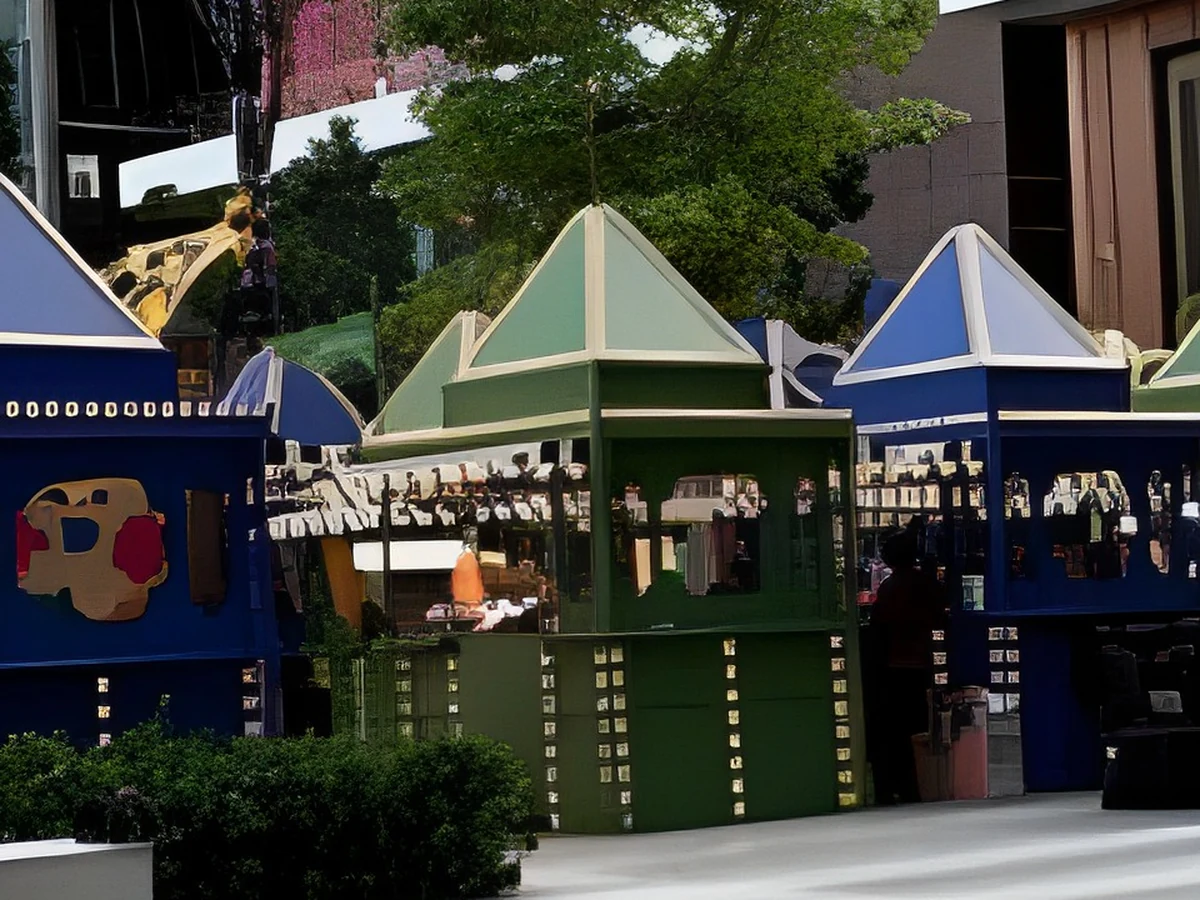
A close crop of market kiosks after upscaling: the roofs, frames and edges are sharpThe same crop of the original photo, soft and blurry when enlargedORIGINALUPSCALED 4×

A small, blurry 600 px photo upscaled 4× with this page, shown close up.

How to Upscale an Image

  1. Upload your image. Choose a JPG, PNG, WebP or HEIC file up to 50 MB, or drop it on the page.
  2. Choose 2× or 4×. Each button shows the size the result will have in pixels. Nothing is used up until you click one.
  3. Compare and download. Zoom in and drag the slider to compare the result with your original, then download it with no watermark or open it in the editor.

Increase Image Resolution Without the Blur

A picture is a fixed grid of pixels. Make it bigger in an ordinary image program and each pixel is simply spread over more space, so edges turn soft and fine detail turns into blocks.

An AI image upscaler works differently. It has learned from a great many photos what sharp edges, hair, fabric and foliage look like, and it redraws your image at the larger size with that detail filled in.

The detail is a reconstruction, not something recovered from the original scene. On most photos it is convincing. Small text, a tiny face or a heavily compressed image can come out looking slightly different from the real thing, which is why the page lets you zoom in and compare before you download.

What You Get

2× or 4× larger
Twice or four times the width and height, up to 49 megapixels. The size is shown before you start.
No watermark
Nothing is added to the picture: no logo and no overlay.
No sign-up needed
One upscale a day works without signing up. A free account gives you three a day.
Transparency kept
A PNG or WebP with a see-through background comes back with the background still see-through.

What People Use It For

  • Printing. Paper needs about 300 pixels per inch. A 1500-pixel photo prints well at 5 inches wide; at 4× it covers 20. Set the print size afterwards in the DPI converter or the wall art resizer.
  • Products you sell. Print-on-demand sites reject artwork that is too small for a poster, a shirt or a mug. Upscale the design to the size the listing asks for.
  • Old and small photos. A picture saved from a chat, an old phone photo or a scan is often only a few hundred pixels wide. Upscaling makes it usable on a modern screen.
  • Crops. Cropping to one part of a photo throws most of its pixels away. Upscale the crop to bring it back to a usable size.

Use It in a Design

“Open in editor” takes the upscaled image into Bunny Editor, a drawing studio in your browser, where you can remove its background, add text, draw on it and export it for print.

Open the editor

Need More Upscales?

Sign up free for three a day, buy a pass for a batch, or go monthly.

Free

$0/ month

Perfect for getting started.

  • 5 GB storage
  • 5 BG removals / day
  • 3 image upscales / day
  • 1 custom font slot
  • Community support
Start for free

Pro Monthly

BEST VALUE

$5/ month

About $1.15 a week. For sellers shipping every week.

  • 2,000 BG removals / month
  • 500 image upscales / month
  • 100 GB storage20×
  • 50 custom font slots50×
  • Version history
  • Priority support
  • Early access to new features
Go Pro Monthly

Cancel anytime from the billing page.

Pro passes

Every Pro feature for a short burst. One payment, never renews.

Pro Day

24 HOURS · 100 BG REMOVALS

30 UPSCALES

$0.99once

Get Pro Day

Pro Week

7 DAYS · 500 BG REMOVALS

150 UPSCALES

$1.99once

Get Pro Week

BOTH INCLUDE

  • 100 GB storage20×
  • 50 custom font slots50×
  • Version history
  • Priority support
  • Early access to new features

Questions

Is the image upscaler free?

Yes. You can upscale one image a day without an account. A free account gives you 3 a day. If you need more, a Pro Day pass is $0.99 for 30 upscales and Pro Monthly is $5 for 500 a month.

How large can the result be?

Up to 4 times the width and height of your image, with a ceiling of 49 megapixels (7000 × 7000 pixels, for example). A 1500 × 1000 photo becomes 6000 × 4000 at 4×. An image that is already large is enlarged as far as the ceiling allows, and the page shows the exact size before you start.

Is this different from resizing an image?

Yes. Resizing stretches the pixels you already have, which is why an enlarged photo looks soft or blocky. Upscaling redraws the image at the larger size and fills in edges and texture, so it stays sharp when you zoom in or print it.

Is there a watermark?

No. Nothing is added to the picture.

Which formats can I upload, and what do I get back?

You can upload JPG, PNG, WebP and HEIC files up to 50 MB. A JPG or HEIC photo comes back as a JPG. A PNG or WebP comes back as a WebP, which keeps transparency. To save another format, open the result in the editor and export from there.

Should I choose 2× or 4×?

Choose the size you need. 2× is enough to make a web image sharp on a large screen. 4× is for print, where you need about 300 pixels for every inch of paper. Both use one upscale.

Is my image stored?

Your image is sent to our servers to be upscaled. Without an account, the upload is deleted as soon as the upscale finishes, and the result is deleted automatically within two days. If you are signed in, your image and the result are saved in your own library, with the result under "Upscaled".

Have an image ready? Upload it and upscale it.

Image Upscaler — Upscale Images 2× or 4×, Free | Bunny Editor