Seamless Pattern Maker

A seamless repeat pattern maker: draw a repeating pattern online and watch it tile as you go. Every stroke lands in every tile, and anything that crosses an edge wraps round, so the tile you export has no seam. It’s free, runs in your browser, and needs no account.

Start a pattern

The pattern grid is already on. Change it any time from Assists, the compass button in the editor’s top bar.
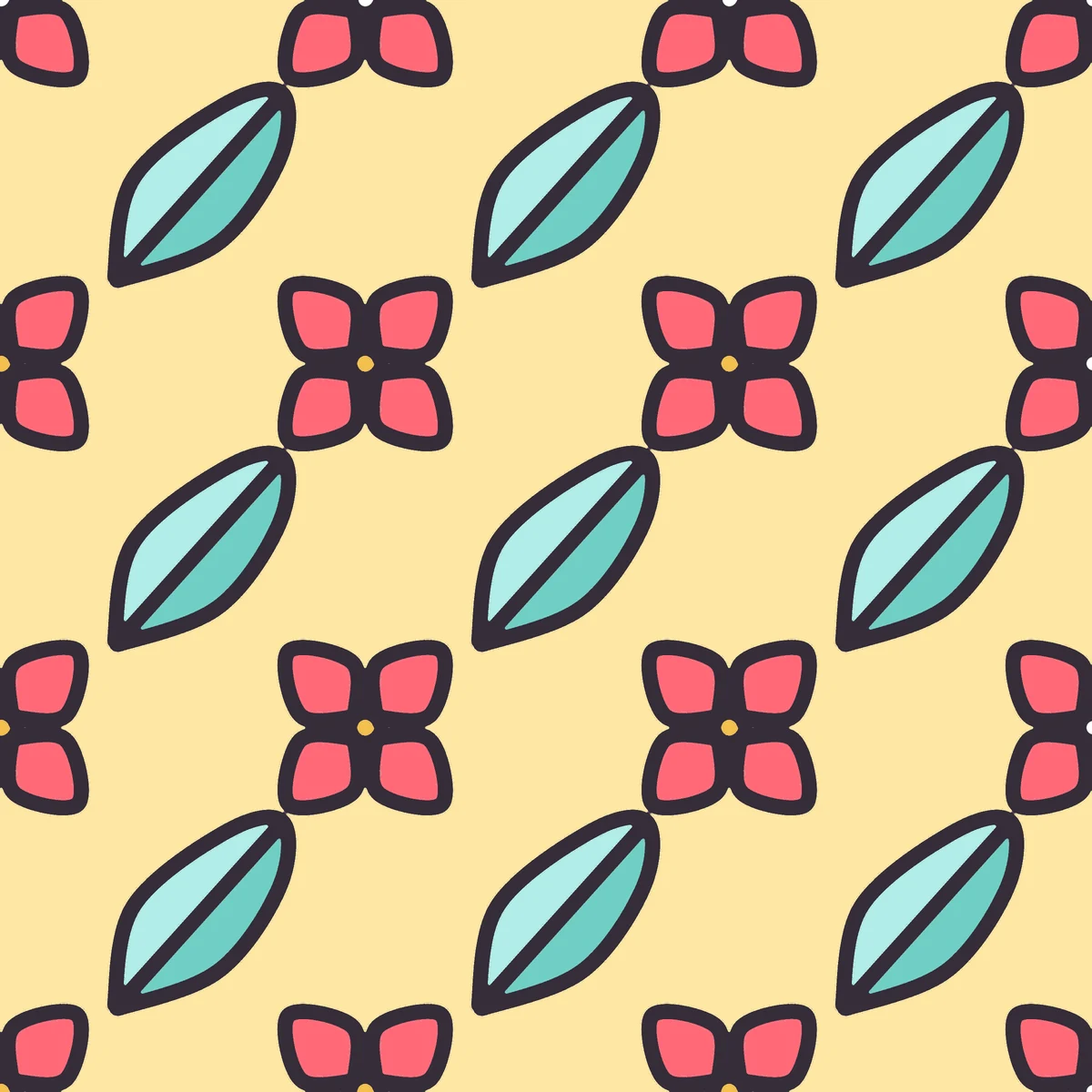
A repeating pattern drawn in Bunny Editor: mint leaves and coral four-petal flowers with dark outlines on a soft yellow background

Seven Strokes and Eight Clicks

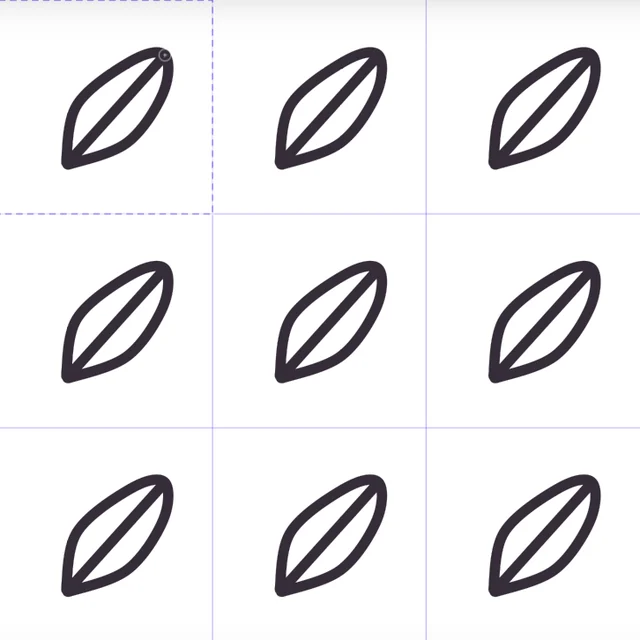
  1. A leaf outline repeated in all nine tiles of a three by three grid

    1. One leaf. Two strokes in the top-left tile: an outline and a line down the middle. The other eight leaves drew themselves.
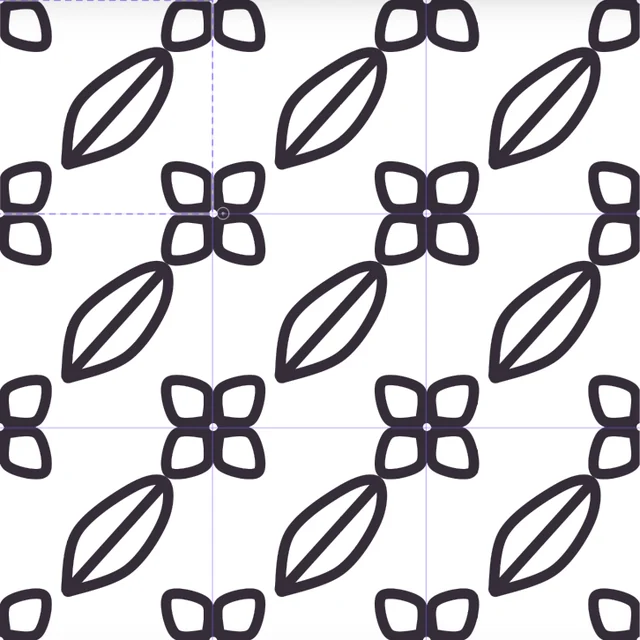
  2. Four-petal flowers added where the tile corners meet, crossing the grid lines and the page edges

    2. A flower on the corner. Four petals drawn around a tile corner. They cross the tile lines, and at the page edges they wrap round to the other side.
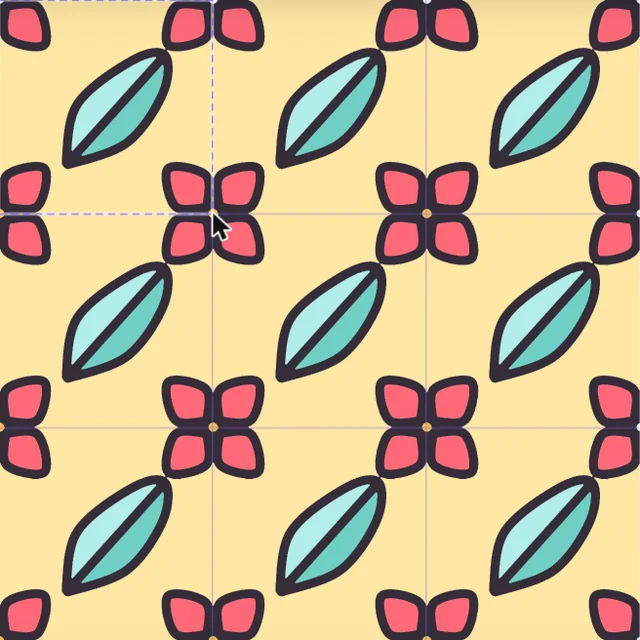
  3. The same pattern coloured: mint leaves and coral flowers on a soft yellow background

    3. Colour. Eight clicks with the fill bucket: two for the leaf, four for the petals, one for the centre and one for the background.

  4. The single exported tile: one leaf in the middle and a quarter of a flower in each corner

    4. The tile. What Export tile saves: one tile, with a quarter of a flower in each corner. Placed side by side, the quarters meet.

How to Make a Seamless Repeat Pattern

  1. Start a pattern. The editor opens on a square page with the Pattern assist already on: a 3 by 3 grid. You can draw straight away.
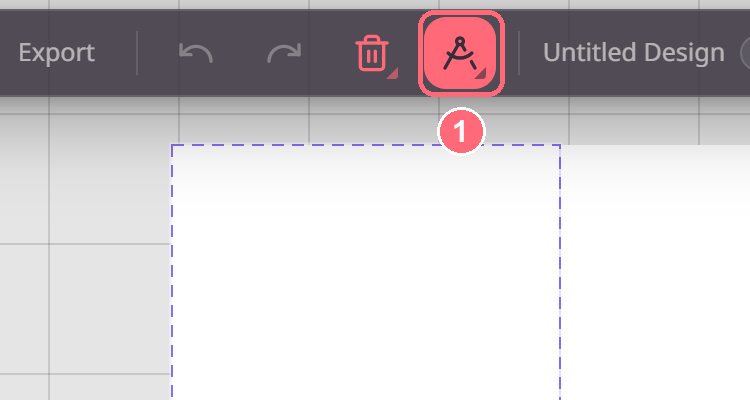
    The top left of the editor: the top bar with the Assists button marked, the tool column, and the first tile of the pattern grid on the page
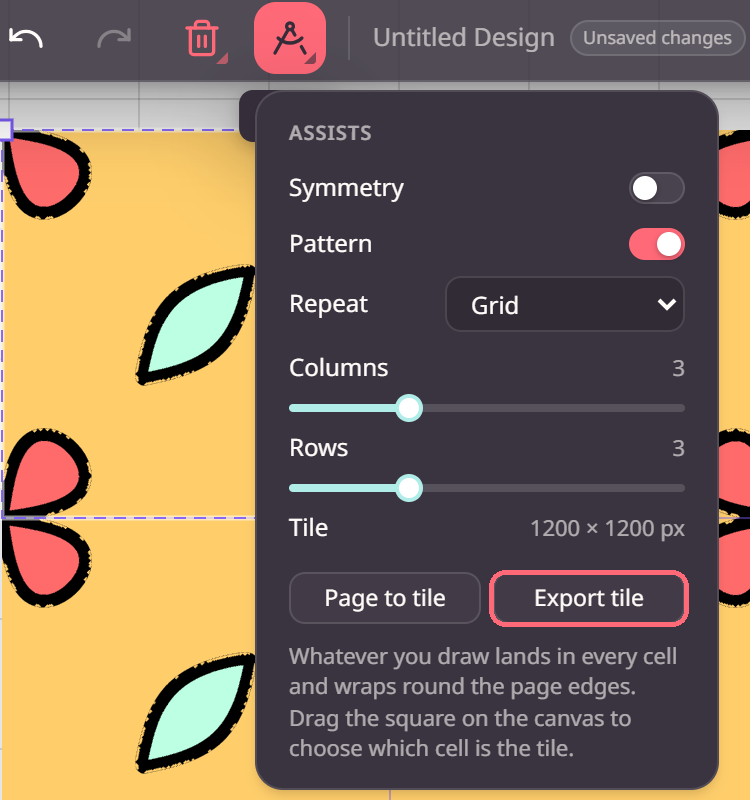
    1 Assists, the compass button in the top bar, holds the pattern settings.
    The right end of the bottom bar with the chip that reads Pattern, Grid 3 by 3
    2 The chip in the bottom bar shows the pattern is on. Click it to open the same menu.
  2. Draw in any tile. Each stroke appears in every tile at the same moment, so you see the repeat while you draw, not afterwards.
  3. Draw across the edges. Let a shape cross a tile line. It carries on in the next tile and comes back in on the far side of the page. This is what hides the seam.
  4. Colour it. Pick the fill bucket from the brush panel and click an area. It fills the same area in every tile.
  5. Export. There are two exports, for two jobs. For the whole sheet, a finished page of pattern to sell as digital paper or use as a background, press Export in the top bar and choose PNG, JPG, SVG or PDF. For one tile, the file a fabric or wallpaper printer repeats for you, open Assists and press Export tile.
    The Assists menu with the Export tile button marked, below the Pattern switch, the Repeat choice, the Columns and Rows sliders and the tile size
    Export tile is at the bottom right of the Assists menu. Export, for the whole sheet, is in the top bar.

What Each Pattern Setting Does

These are the controls in the Assists menu shown above, in the order they appear.

Pattern
The switch. Turning it off keeps everything you have drawn; it only stops new marks from repeating.
Repeat
Grid lines the tiles up in rows and columns. Half-drop sets each column half a tile lower than the last, and Brick sets each row half a tile to the right, which both hide the grid in a busy design. Mirror flips the drawing into each neighbouring tile.
Columns and Rows
From 1 to 8 each. More tiles on the page means a smaller tile: a 3600 px page with 3 columns gives 1200 px tiles.
Tile
Shows the size of one tile in pixels, so you know what you will export.
Export tile
Saves one tile as a PNG. This is the file to upload to a fabric or wallpaper printer. For the whole sheet, use Export in the top bar.
Page to tile
Takes a drawing that fills the whole page and shrinks it into one tile, then repeats it.

While the assist is on, the bottom bar shows a chip such as “Pattern · Grid 3 × 3”. Click it to open the menu again, or press its × to switch the pattern off. Shift+P does the same from the keyboard.

Getting a Good Repeat

Put something on the edges. A design that keeps clear of the tile lines shows its grid. One motif on a corner or across a side is enough to tie the tiles together.

Look at the whole page, not one tile. Gaps and accidental stripes only show across several repeats. That is why the page holds nine tiles while you work.

Vary size and direction. One large motif, one medium and a scatter of small ones reads as a designed pattern. Three things the same size reads as a grid.

Try half-drop when it looks too regular. Change Repeat before you draw: the same motifs in a half-drop are much harder to read as rows.

What to Do With the Pattern

Sell it as digital paper. Export the whole page for a ready-to-use 12 inch sheet, or the tile for buyers who repeat it themselves.

Print it at the right size. The DPI converter sets the print resolution of a PNG without changing a pixel.

Need the motifs as shapes? The image to SVG converter traces a flat-colour tile into vector shapes.

Prefer a circle to a grid? The mandala maker uses the other assist, symmetry, to repeat a stroke round a centre.

Draw It the Way You Draw Anything

The pattern grid works with every brush, the eraser, the fill bucket, shapes and text. It is one of the assists in Bunny Editor, a drawing studio in your browser.

Start a pattern

Questions

Is the seamless pattern maker free?

Yes. Drawing and exporting are free, and it works without an account. An account adds cloud storage so your designs are kept between visits.

What makes a pattern seamless?

A pattern is seamless when a tile placed next to a copy of itself shows no join. That only works if anything cut off at one edge continues exactly at the opposite edge. Here that happens as you draw: a stroke that leaves a tile on one side enters it on the other.

Can I export the whole pattern, not just one tile?

Yes. Press Export in the top bar to save the whole page as a PNG, JPG, SVG or PDF. The page this button opens is 3600 px square, which prints as a 12 inch sheet at 300 DPI.

How do I export just the tile?

Open Assists from the compass button in the top bar and press Export tile. You get one tile as a PNG, named with its size.

What size is the tile?

The page size divided by the number of columns and rows. The page this button opens is 3600 px square with a 3 by 3 grid, so the tile is 1200 by 1200 px. For a larger tile, start a larger page or use fewer columns and rows. The Assists menu shows the tile size.

What is a half-drop repeat?

Each column of tiles sits half a tile lower than the one before it. It is the repeat most wallpaper and fabric designs use, because it stops the eye from picking out rows.

Can I upload the tile to Spoonflower or another print shop?

The export is a standard PNG tile, which is what print-on-demand fabric and wallpaper sites ask for. For a half-drop or brick design, the menu has an Export for setting: Any app gives a block that repeats on a plain grid, and the other option gives the single tile for shops that apply the repeat themselves. Check your shop's own size and resolution requirements.

Can I turn an existing drawing into a pattern?

Yes. With your drawing on the page, open Assists, switch Pattern on and press Page to tile. The drawing is shrunk into one tile and repeated. It will not be seamless at the edges unless the drawing already was, so add elements across the tile lines afterwards.

Can I use it with a drawing tablet or an iPad?

Yes. The editor works with a mouse, a pen tablet, a stylus or a finger.

Can I sell the patterns I make?

Yes. What you draw is yours to use and sell.

Is this a generator that makes the pattern for me?

No. It does not produce a pattern from a prompt. You draw the motifs, and the editor does the repeating and the wrapping, so the design is your own.

Ready to draw? Start a pattern.

Seamless Pattern Maker — Draw a Repeat Pattern, Free | Bunny Editor